
Welcome to BruceBEM Knowledge Base
Tip: Start typing in the input box for immediate search results.
-
SETUP
-
WORKFLOWS
-
- Path for DEMOing BruceBEM
- Demo - Value Proposition (Reports)
- Demo - LogIn and Home Page
- Demo - Interoperability
- Demo - Adaptive UI & Access
- Demo - Collaboration
- Demo - Assets Management
- Demo - Service Contracts
- Demo - Portfolio Management and Rentals
- Demo - Contracts
- Demo - Processes & Service Catalogue
- Demo - PM (Preventive Maintenance)
- Demo - Grouping Assets (Places & Equipment) - SYSTEMS & PM GROUPS
- Demo - Billing - Service & Rental Invoices
- Demo - Costs & Prices
- Demo - Meters & IoT Sensors
- Demo - SLAs (Service Level Agreements)
- Demo - Resources & Performance
- Demo - Dashboards, Reporting & Analytics
- Show Remaining Articles ( 4 ) Collapse Articles
-
WORKING-WITH
< All Topics
You are here:
Print
Working with Notifications
Overview
In BruceBEM, notification is the communication tool between the stakeholder. To communicate with a partner you can create a notification in the “Notification Dashboard” and sent to the partner, also the partner can send you notifications. You can view the notification that you have sent in the “Notifications Sent” in-box and received notification in the “Notification Received” in-box.
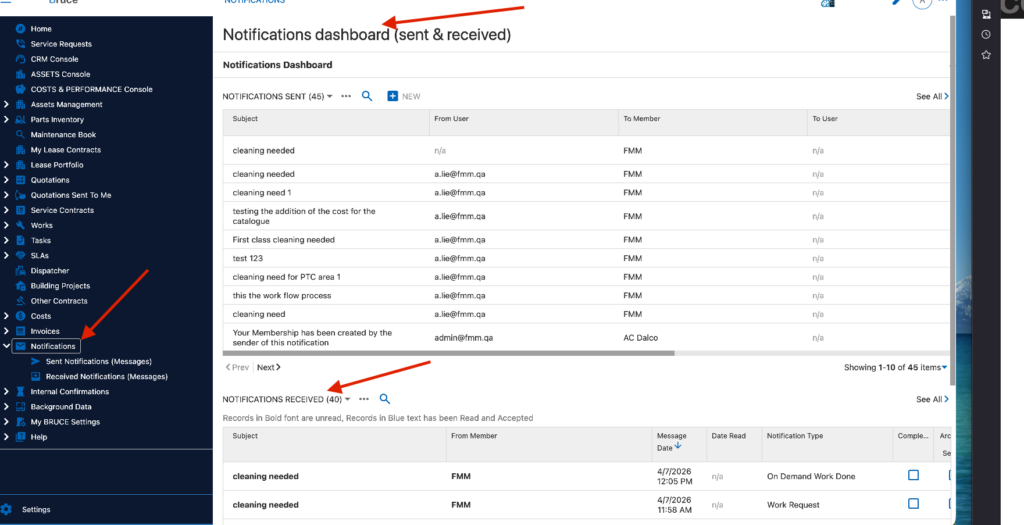
Internal Notification( Approvals Workflows)
Internal notifications can be sent within the member users for workflow approval
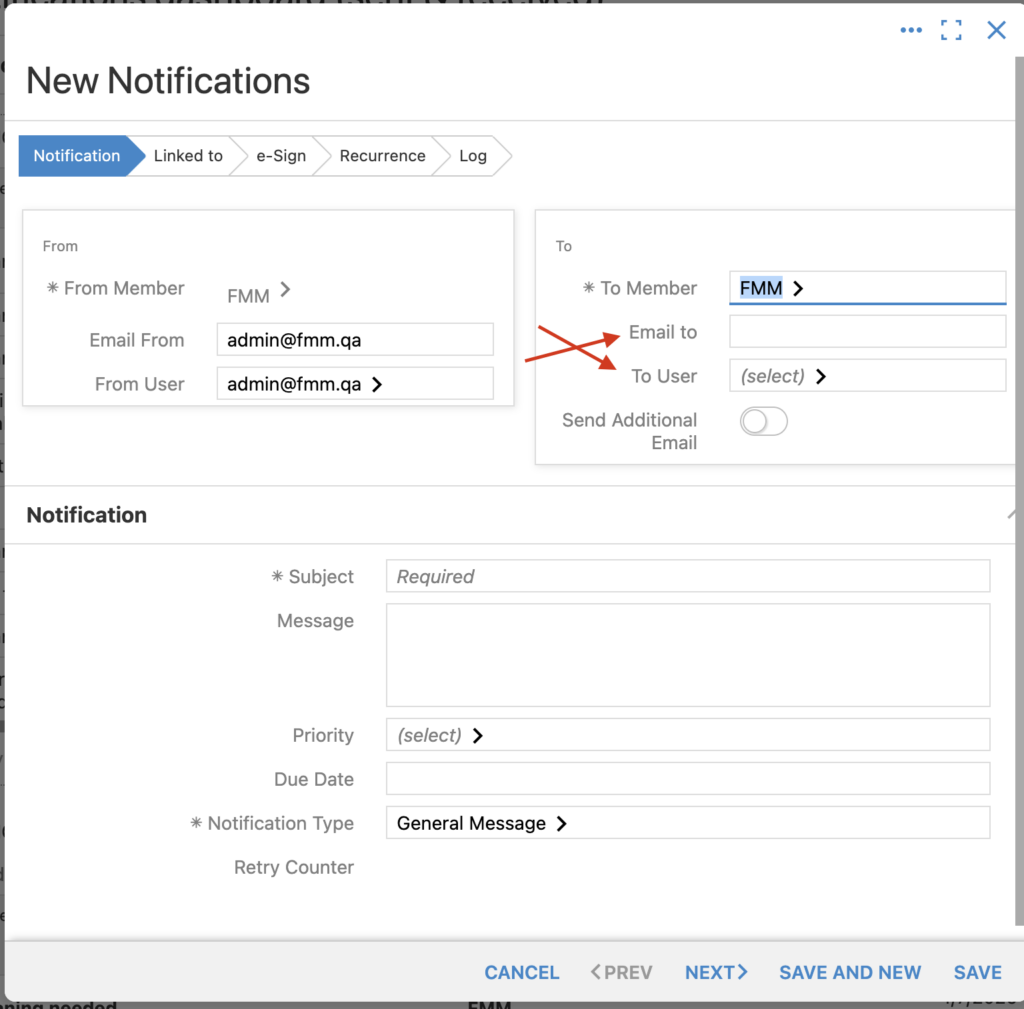
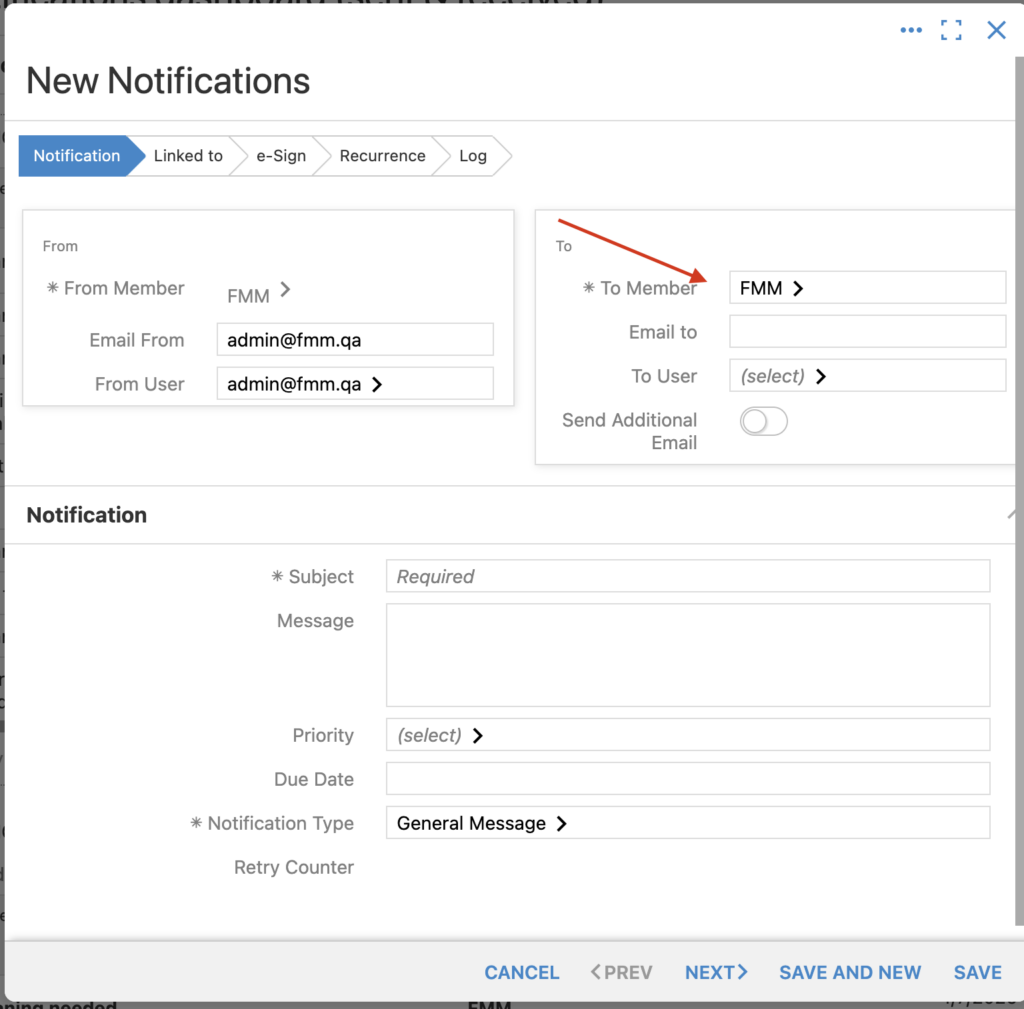
External Notification (Client/provider Approvals)
Notifications can aslo be send other members to get their approval of the work and the cost.
e-Mails in BruceBEM
while creating a notification, you can include emails to be send to the recipient
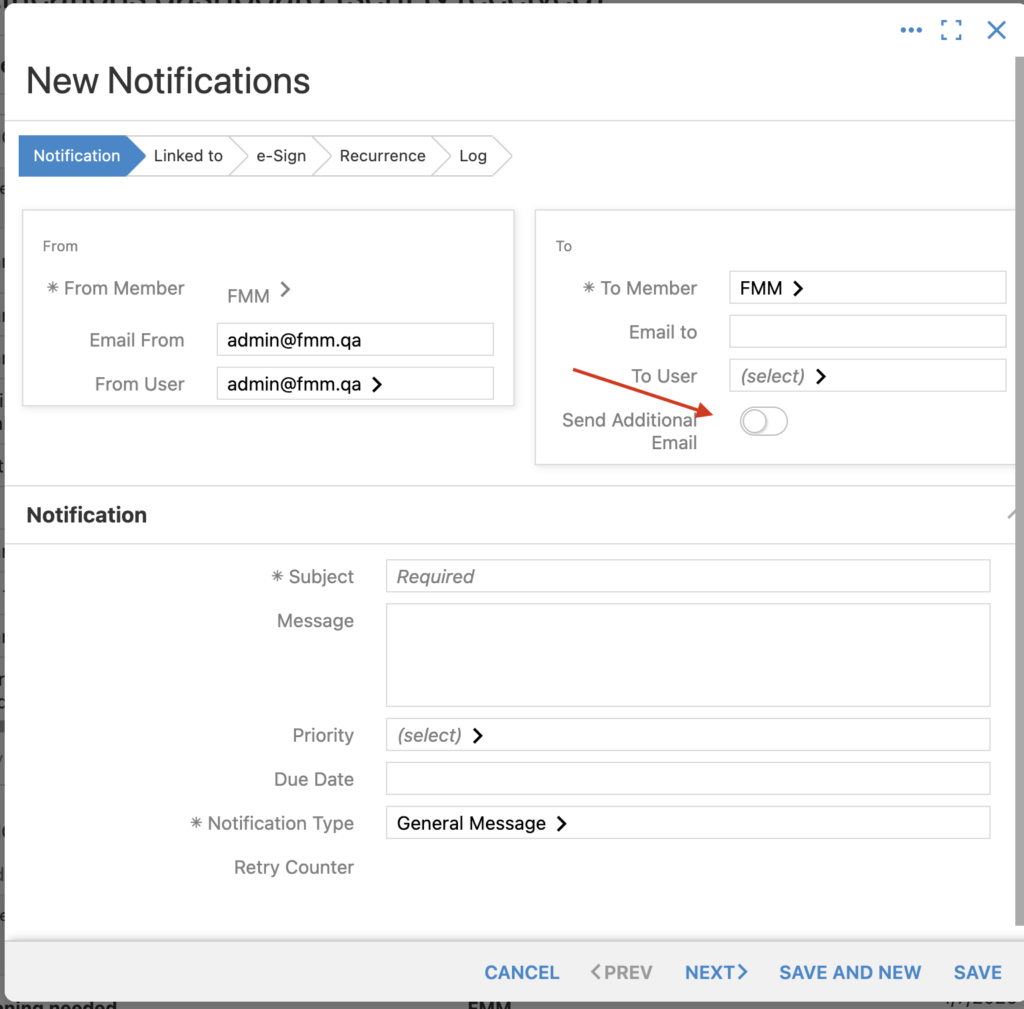
Table of Contents