Tip: Start typing in the input box for immediate search results.
Asset Management – Locations and Equipment
In BruceBEM, the Asset Management module offers a structured and efficient way to track, maintain, and optimize the use of both places (facilities, buildings, locations) and equipment (machinery, tools, and devices).
Key Features:
Cost Tracking: Monitors associated costs for each asset, enabling better financial oversight and resource allocation.
Seamless Management: Integrates asset tracking with maintenance schedules to ensure timely upkeep and operational efficiency.
Work Orders: Facilitates the creation and management of work orders associated with each asset.
Subcontractor Integration: Allows for easy collaboration with subcontractors for specialized maintenance or services.
Benefits of the Asset Hierarchy View:
✔ Improved Organization: Ensures clear asset structure and relationships.
✔ Streamlined Maintenance: Assign work orders based on asset levels.
✔ Enhanced Tracking: Monitor asset performance at every level.
✔ Cost Efficiency: Optimize resource allocation and budget planning.
The hierarchical structure in BruceBEM enhances visibility, maintenance management, and operational control, ensuring assets are utilized effectively.
Key Features
- Asset Registration & Classification
- Assets are categorized and assigned unique identification codes.
- Linked to specific locations, work teams, or subcontractors.
- Maintenance Management
- Preventive Maintenance (PM): Scheduled servicing to prevent breakdowns.
- Corrective Maintenance: Repairs and issue resolution logged in the Maintenance Book.
- Partnership & Subcontractor Integration
- Only authorized Bruce Smart Contract partners can manage and maintain assets.
- Assign subcontractors to specific asset-related tasks.
- Cost Tracking & Budgeting
- Monitor maintenance costs, repairs, and operational expenses.
- Generate reports for financial planning and resource optimization.
- Compliance with International Standards
- Ensures maintenance and asset handling follow global industry regulations.
- Improves operational efficiency and safety compliance.
By streamlining asset tracking, maintenance, and financial planning, BruceBEM enhances productivity, asset longevity, and cost efficiency for businesses.
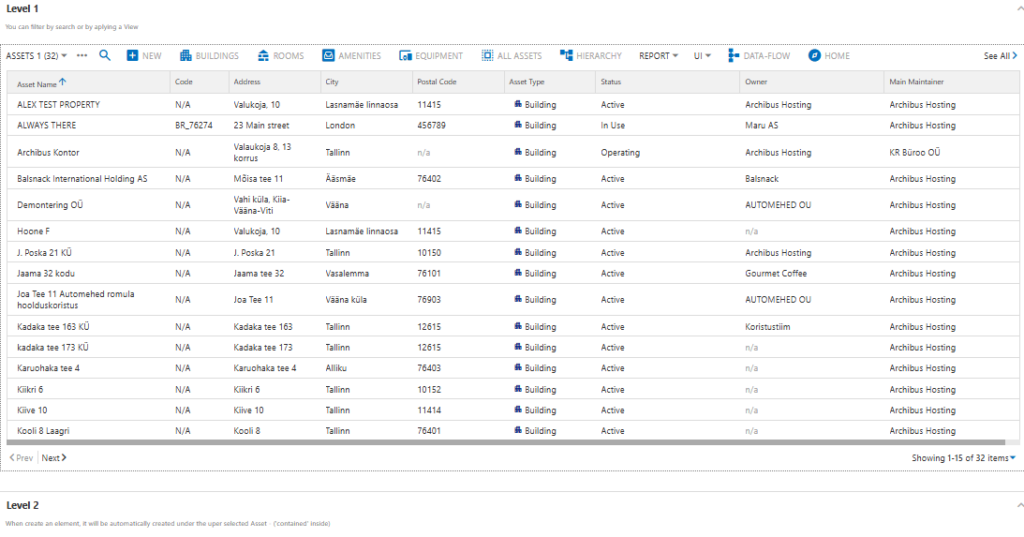
BruceBEM Asset Hierarchy View
In BruceBEM, the Asset Hierarchy View provides a structured, multi-level representation of places and equipment, enabling efficient tracking and management. This hierarchical system ensures assets are organized logically, making it easier to oversee operations, maintenance, and assignments.
Add New Asset
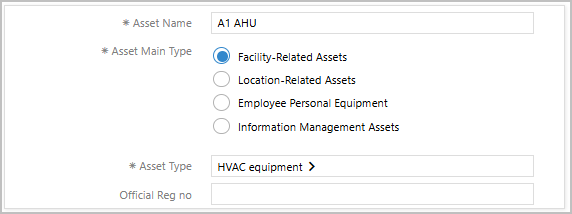
In BruceBEM, adding a new asset involves a structured process to ensure proper classification, tracking, and management.

Main Info
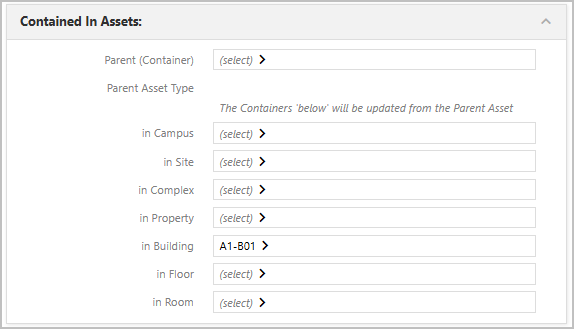
Linked Assets Info:
Details of the location of the Assets such as Site, Building, Floor etc. the asset is placed.
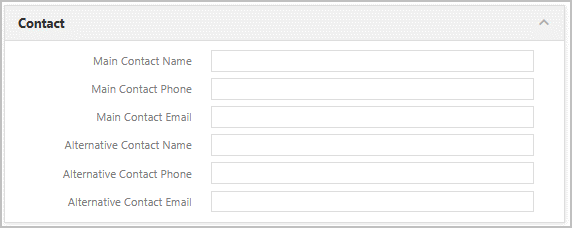
Contact Info
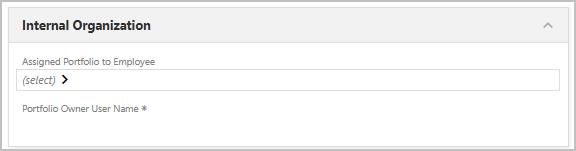
Assets assigned to Info
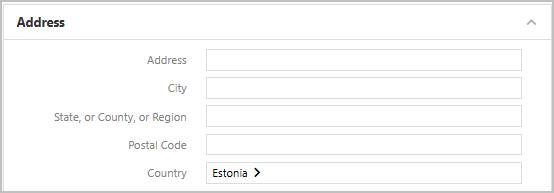
Address Details
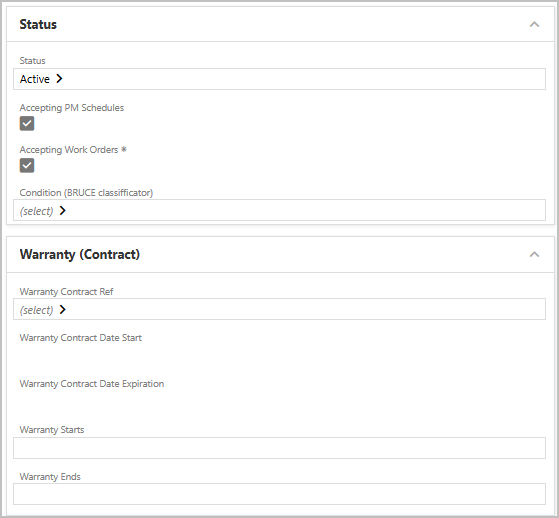
Status & Warranty Details
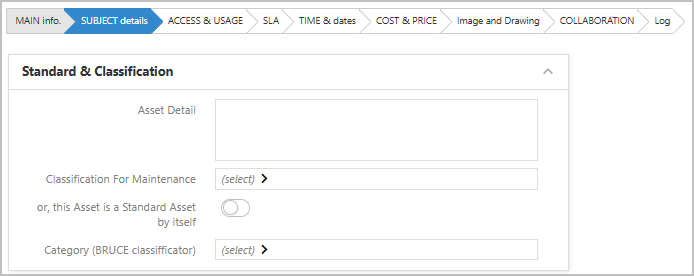
SUBJECT DETAILS : Additional Asset details can be maintained.

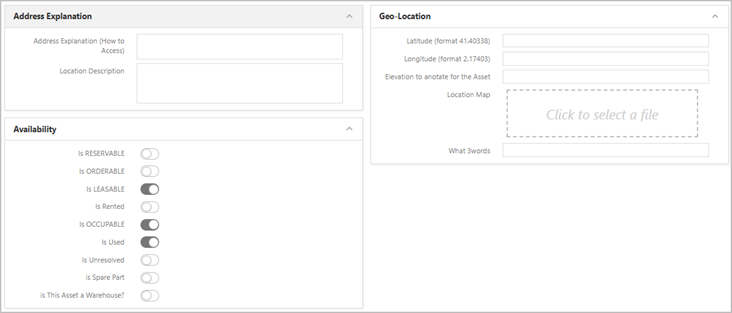
Access & Usage details
Additional location information and Geo locations details can be maintained.
Availability details such as Reservable, Orderable, Leasable, etc., can be maintained.
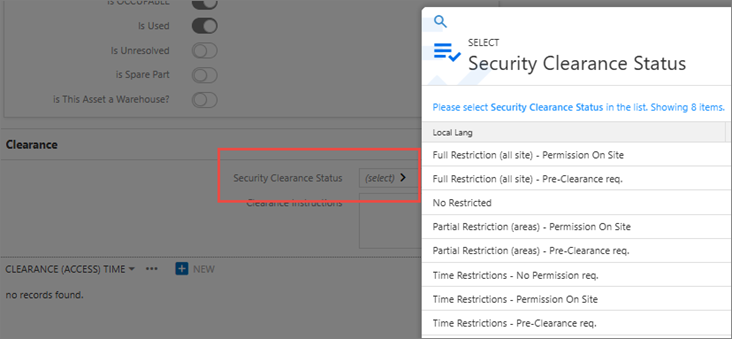
Security Clearance Status such Full, Partial, Time restrictions etc. can be maintained
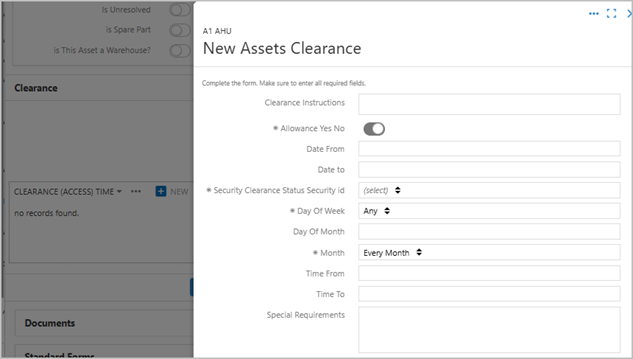
New Asset Clearance types can be created
Linking SLAs to Asset Management
Service Level Agreements (SLAs) can be directly linked to assets, providing several advantages that ensure efficiency, accountability, and cost-effectiveness. By integrating SLAs with asset management, organizations can achieve the following benefits:
Optimized Operations:
A structured approach enhances compliance with regulations and improves overall service quality within Facilities Management (FM).
Clear Performance Expectations:
Establish performance standards for maintenance, repairs, and service delivery, which helps reduce downtime and extend the lifespan of assets.
Enhanced Vendor Accountability:
Ensure that service providers meet predefined quality standards, fostering adherence to contractual obligations.
Improved Budgeting and Resource Allocation:
Track service history and associated costs, enabling better financial oversight and resource management.
Proactive Maintenance Management:
Utilize real-time monitoring and automated alerts to facilitate timely maintenance, minimizing unexpected failures.
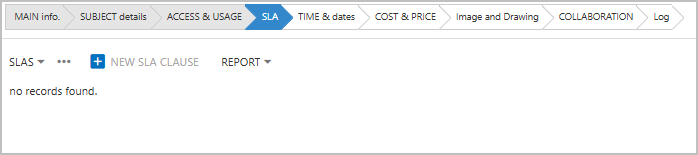
Asset Date Details
Details such as purchase date, activation date, manufacturing date, and others can be efficiently maintained for improved lifecycle management. This system enables the tracking of asset history, ensuring:
- Timely Maintenance: Facilitates proactive maintenance scheduling based on asset history.
- Warranty Management: Keeps track of warranty periods and related service requirements.
- Compliance: Ensures adherence to legal and regulatory standards.
By storing and updating these critical details, organizations can optimize asset utilization, plan for timely replacements, and prevent unexpected failures, thereby enhancing overall Facilities Management efficiency.
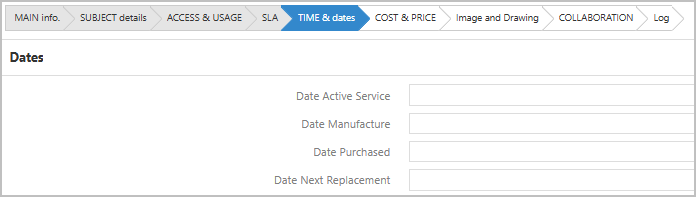
Asset Cost Details
Cost details for assets, including purchase price, maintenance expenses, and total cost of ownership, are efficiently maintained. This management approach enables organizations to:
- Track Expenditures: Monitor and record all costs associated with each asset.
- Effective Budgeting: Facilitate accurate budgeting based on past and projected expenditures.
- Optimize Cost-Saving Strategies: Identify areas where costs can be reduced or managed more effectively.
By analyzing cost trends, Facilities Management (FM) teams can make informed decisions regarding repairs, replacements, and asset lifecycle planning. This ensures financial efficiency and maximizes the value of assets.

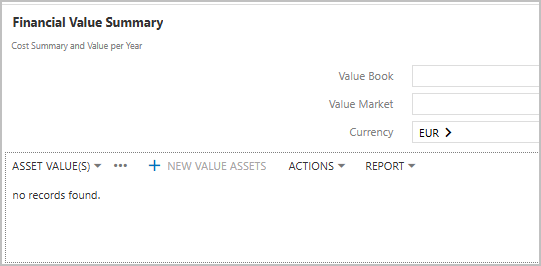
Asset Values every year can be maintained
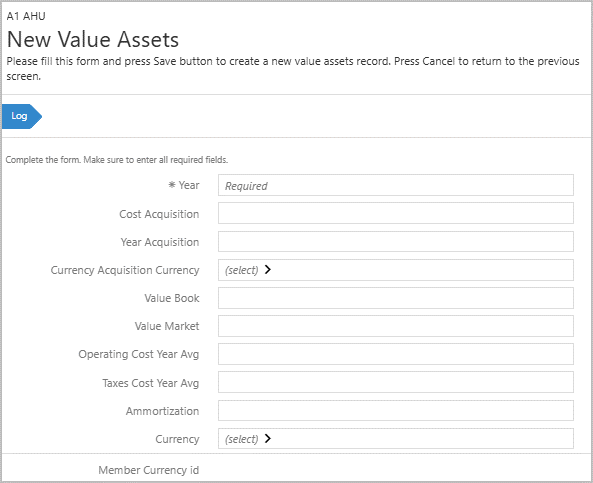
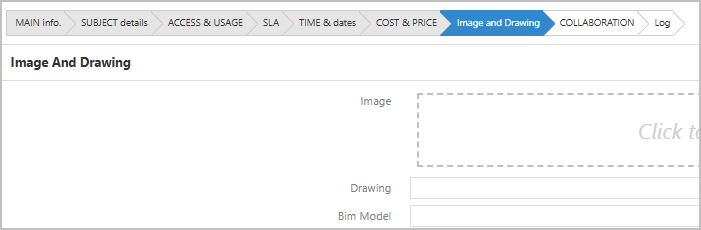
Images of the Assets can be uploaded. Drawings and BIM information related to assets can also be maintained.
Collaboration
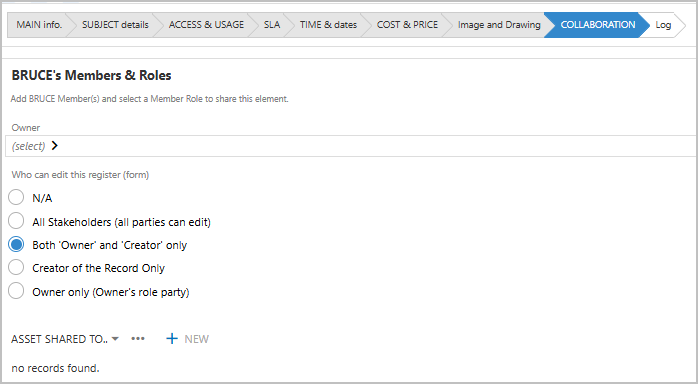
BruceBEM facilitates seamless collaboration among Bruce members by clearly defining roles and responsibilities within the system. It enables administrators, technicians, and facility managers to work together efficiently, ensuring smooth asset management, maintenance, and service delivery.
- Role-Based Access:
This feature ensures that each member interacts only with relevant data, enhancing security and accountability. - Operational Oversight:
Managers can oversee operations and track performance metrics. - Status Updates:
Technicians can update asset statuses in real-time, enabling prompt action on maintenance requests. - System Control:
Administrators can manage system configurations and user permissions.
This structured approach to collaboration streamlines workflows, improves communication, and enhances decision-making, ultimately leading to optimized Facilities Management processes.
Documents & Additional Info
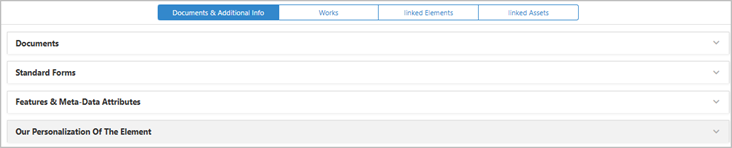
Such as Documents, Standard forms and other attributes can be maintained
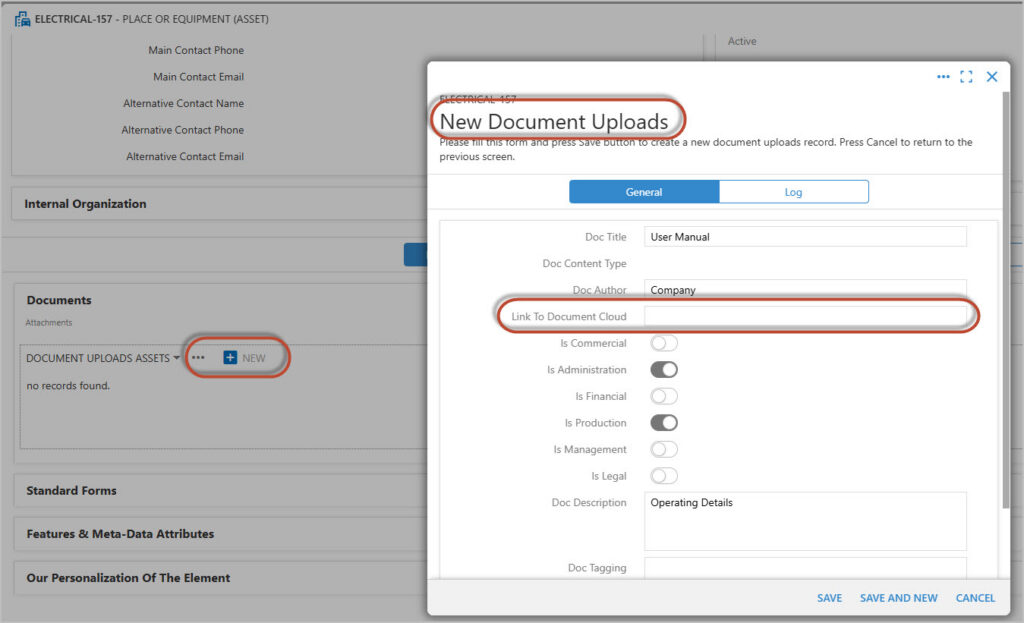
Documents can be linked with details of the document and the Document cloud LINK for reference.
Enhance your asset by adding new features, tags, attributes, or descriptive elements. This allows for better organization, richer metadata, and improved asset discovery and usability across your system.
Ex:
Add custom features (e.g., version history, usage rights, dependencies)
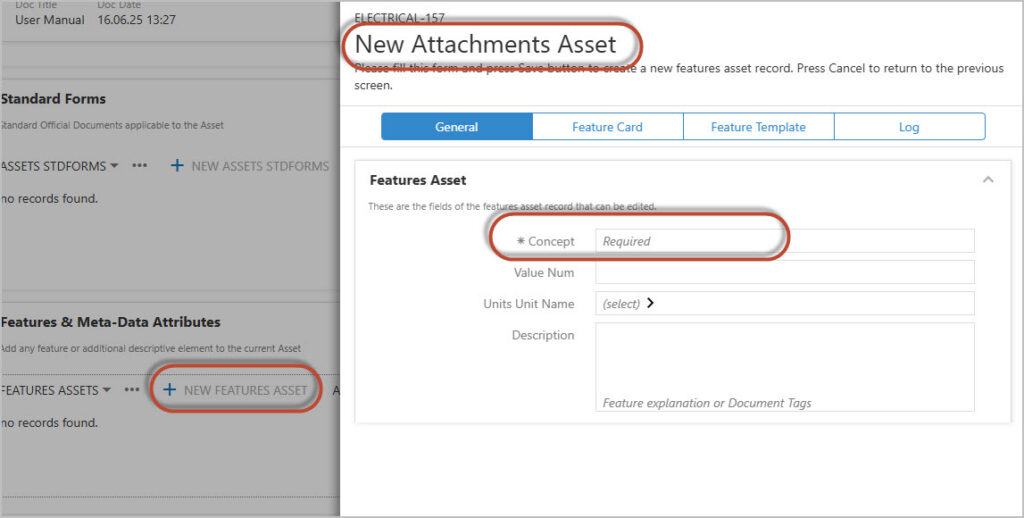
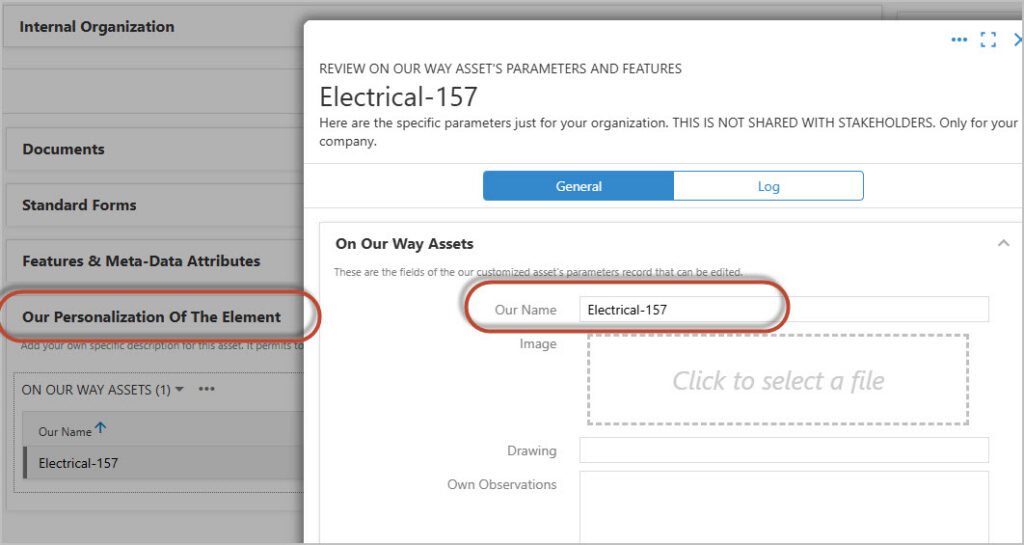
Add your own specific description for this asset. It permits to create a Member’s private ‘Virtual Asset’ to allow to enter specific information when the main element is not editable.
Here are the specific parameters just for your organization. THIS IS NOT SHARED WITH STAKEHOLDERS. Only for your company.
Works
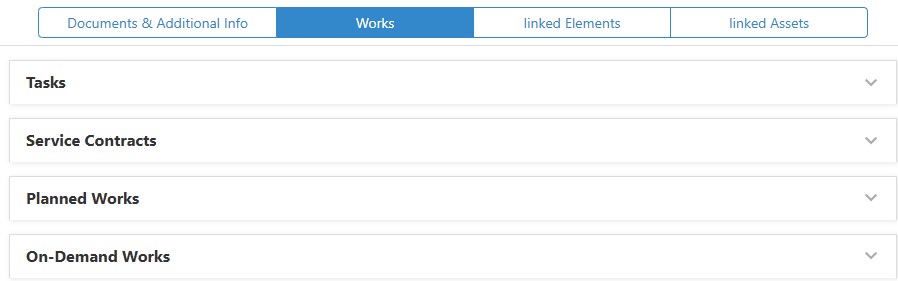
Records such as Task, Service Contracts, Planned Works, On Demand works etc., can be directly maintained/Viewed from here.
Task
All task related to this Assets are show here. This is just a view for any existing [Pending or completed] task.
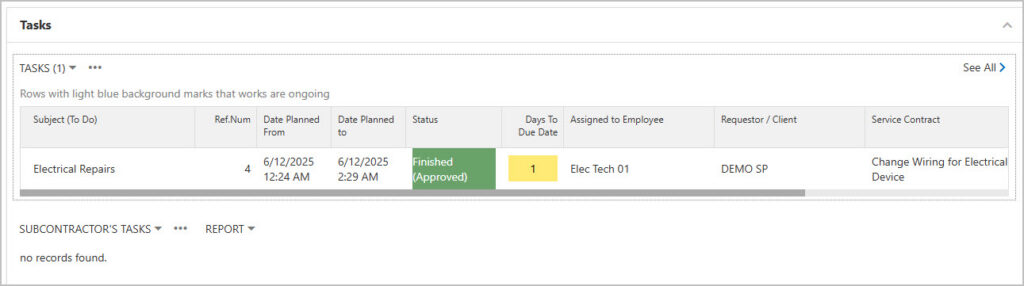
Please Note that the task cannot be created directly from Assets.
For details on how Task are generated please visit the TASK section.
Service Contract
A Service Contract in BruceBEM represents a structured agreement that outlines the responsibilities, inputs, outputs, and behaviors of a specific service or asset within the BruceBEM ecosystem. It acts as a blueprint for how services communicate and ensures consistency across different modules, teams, or systems.
A New Service contract can be directly created from the Asset
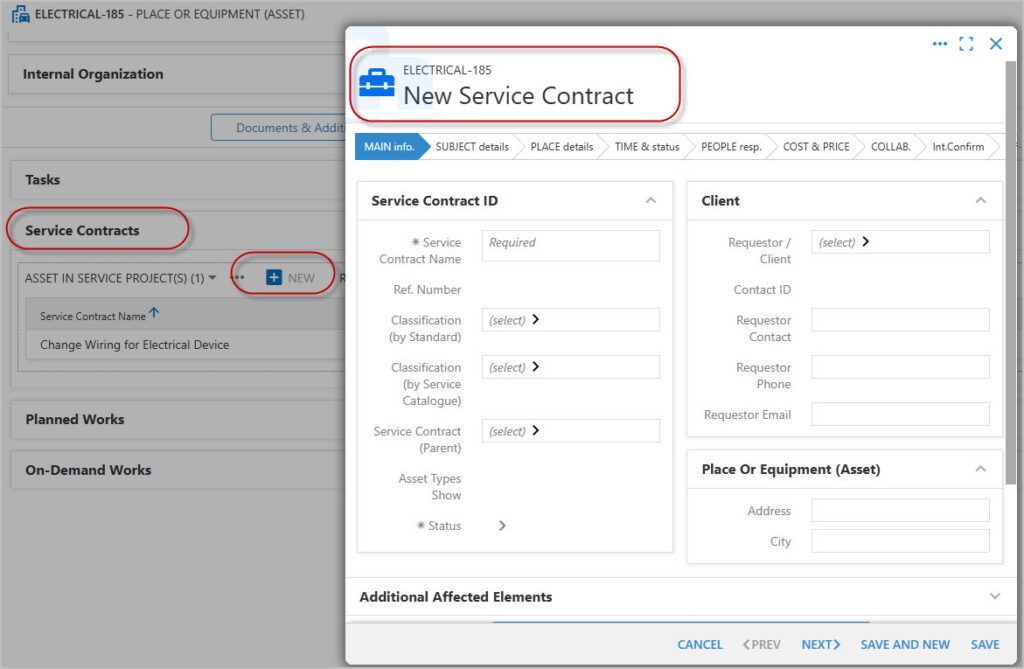
Please Visit the Service Contract section for details on how to create a New Entry
Planned Works
Planned Work represents predefined tasks or activities that need to be carried out on an Asset or Product. It serves as a structured, scheduled approach for making changes, improvements, or performing maintenance within the BruceBEM platform.
This session list all the Planned Works linked to this Asset
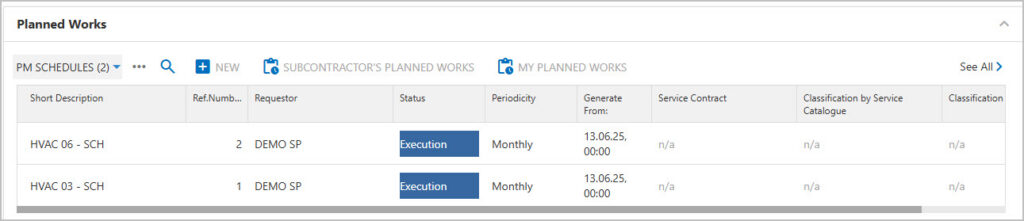
The is an option to create a New entry from here.
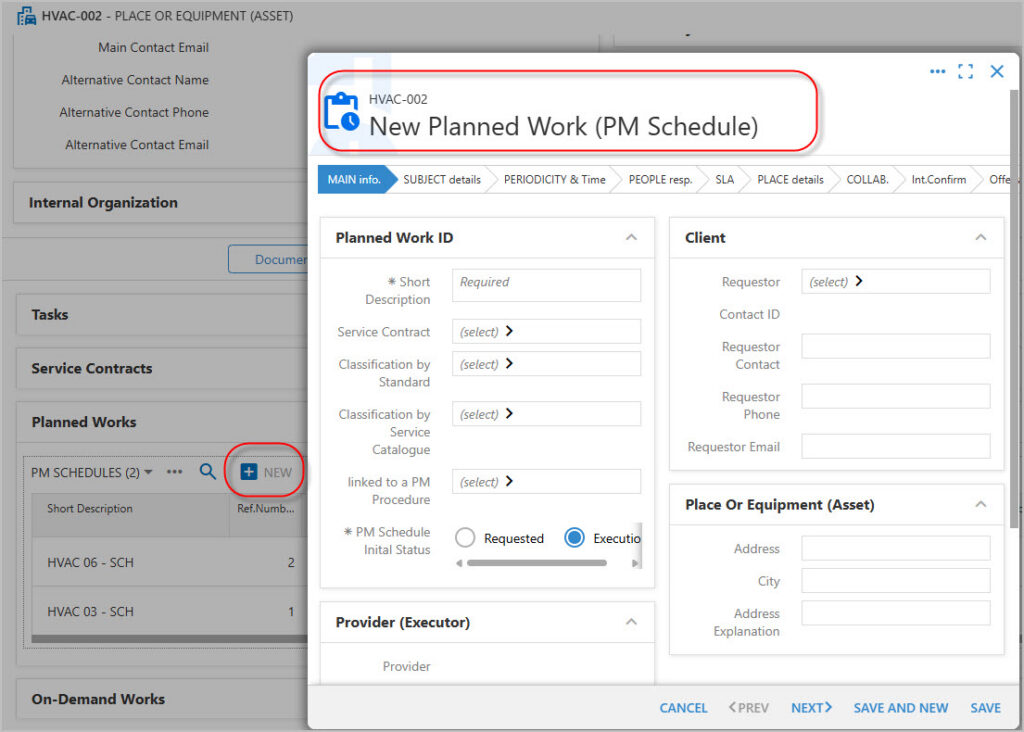
However, there are other ways to create and link Planned Works to Assets.
For details please visit the Preventive Maintenance Session.
On Demand Works
On-Demand Work in BruceBEM refers to unscheduled, immediate, or ad-hoc tasks performed on assets, services, or products when needed. Unlike Planned Work (which is scheduled in advance), On-Demand Work is triggered by necessity—usually due to unexpected requirements, urgent issues, or spontaneous requests for updates or changes.
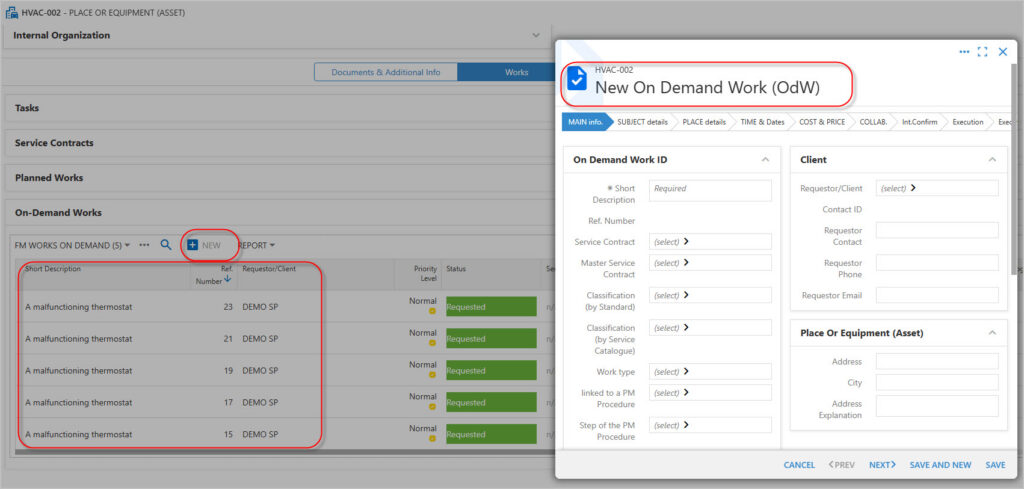
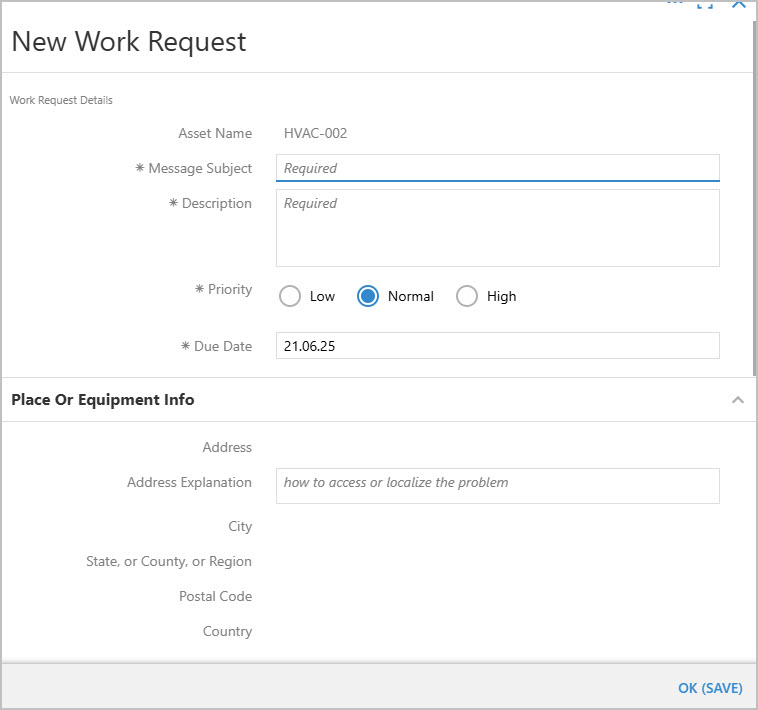
On Demand Works can also be created from the following options
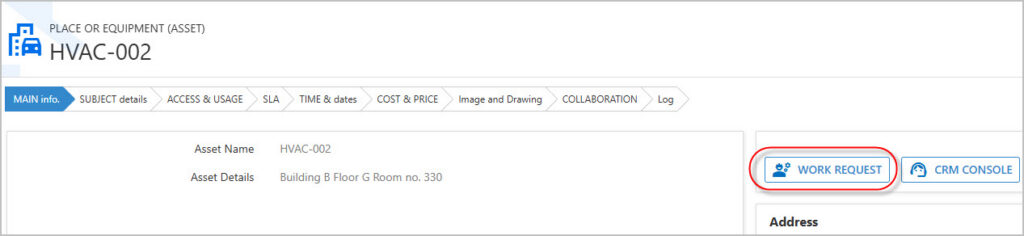
New Work Request Form